When I went in search of more tutorials I cracked open "The Famous Artists Course" lesson 16: Color–the theory and practice of painting. From that it sounded as if you should do your painting in grayscale first, it said to get better control of your values (shadows and highlights). That seemed to go with what I've seen around. The artists that I think are good, they all seem to start out with the image in grayscale. Saved the hair for last cause I thought it was going to be the hardest but it ended up being the easiest. I got some pretty good feed back on this some people thought I used a program to manipulate the photograph.
Process: Photoshop and Cintiq. Laying down a gray under tone to get started. Then setting my brushes flow to 3 and drawing in the shadows and highlights. I got a real sense of drawing when I was doing this, felt like I had more control.
The hair was done on it's own layer with some brushes that where made up of dots (3-6) and just made a bunch of swirls until I got the overall shape I wanted then on another layer beneath this I put white using just a circle brush, but then the hair was too bright so I add yet another layer between the hair and the white layer and made more swirls the fill in some of the gaps.
Sunday, June 13, 2010
For real Ro
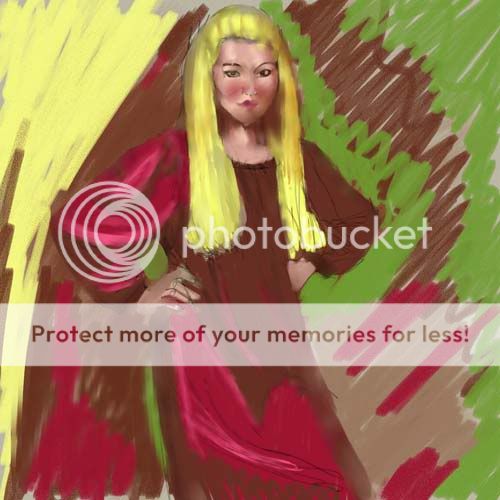
After searching for more/better techniques I found Digital Art Tutorials, the disc Digital Painting: Super Babes. I thought was very useful. Using that tutorial a few times, I wanted to test what I learned on something before I used it on my son's caricature. I dusted off the Ensign Ro sketch and ran the tutorial while I worked on the drawing. It didn't look as real as Brian Haberlin's (he demonstrated the tutorial) Jessica Alba as Sue Storm looked but IMO it was far better than what I've done thus far. Except her hair, I bailed on the hair.
Process: Adobe Photoshop and Wacom 12" Cintiq applying the color with paint brush set at various levels of flow.
Caricature
I've never done a caricature before (that's a-whole-nother art form, but I'm diggin what I've drew so next step is to paint it. I still don't think my kung fu skills are as good as I want them. So I do like they do in the Kung Fu movies when the hero gets his egg rolls handed to him by the bad guy; go up in the mountains and train.
Drawn using Sketchbook Pro.
Drawing on the Fringe
I did this one in the attempts to start a thread on drawingboard doing my favorite cast members of Fringe, starting with the actor Kirk Acevedo as Agent Charlie Francis. Then just as I was almost done they took him off the show. My guess was to make room for Leonard Nimoys salary. I was digging this one but certain elements stand off the piece. I don't know if it's because maybe I used a brush with too hard an edge bur when you look at it a little closer the eye lashes, brow, and hair seem to on the image not part of the image. Like somebody did it with a Sharpie afterwards. And his chin is too small.
Process: Started this in Sketchbook Pro, since I didn't know how to color it using SBP I moved it to Corel Painter to finish it. I need to watch more of Bobby Chu's YouTube videos. I did the same as in the Alex B. portrait, I may have embellished a bit. I used more layers with this one putting some shadows and highlights on their own layer. Don't think that worked out so well.
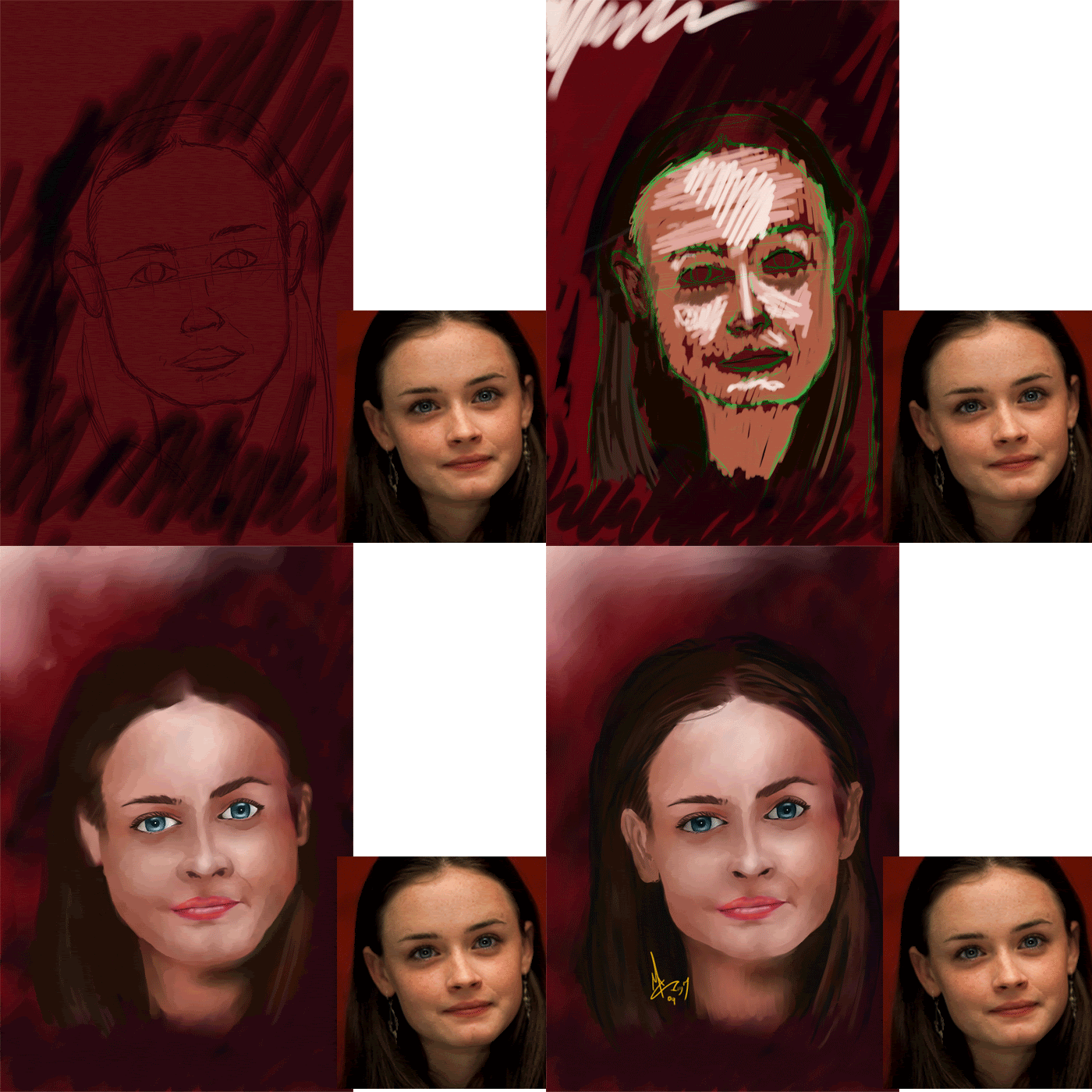
Alexis Bledel
Don't really follow her work, found this image in my folder of faces, (images I've gotten from the web and thought they might be a good shot to try and draw one day.) Didn't even know who she was, the jpg had the photographers name on it. Then a friend at work told me who she was. Her eyes in this picture is what did it for me.
Process: This was done in Corel Painter, using what I learned from the tutorial. I posted an animated gif so you can kinda see start with a sketch, rough in some color, use the blend tool to smooth out the colors then put your finishing touches. I was happy with this one but I think it still has a bit of a "Poster-Paint" look to it. I think my colors are too pure maybe.
Trying to bone-up
I searched the web for tutorials on painting so I could take some crash courses and finish the Forbes portrait. I found this one and got started on it then checked in on the Jam on drawingboard and much to my surprise the guy that runs the site "Em" had, by chance, picked the same image for his contribution. Not only that, he finished his while I was sitting there with a half baked sketch and a partially digested lesson.
Needless to say it took all the wind out of my sails, I wasn't about to post the same image. That would be like signing up for Tee time and after you got your equipment together and got out on the green you see Tiger Woods just hit a hole in one from there. Or showing up at a party wearing the same outfit as someone else. I didn't even finish the tutorial, which was basically laying down some color then using the blend tool to get smooth transitions in the colors.
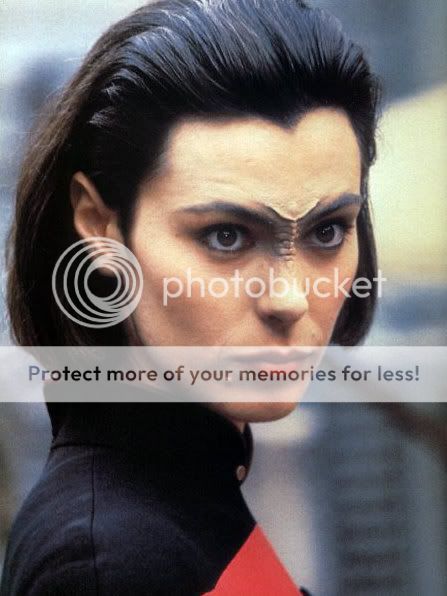
Ro Laren Sketch
Over on the drawingboard.org a Star Trek Jam opened up a I thought I would get in on it. I did this sketch of Michele Forbes as Ensign Ro Laren using Sketchbook Pro. I was pretty pleased with the sketch but knew I didn't have the chops to do a good coloring job yet.
Subscribe to:
Posts (Atom)