

Wednesday, February 1, 2017

Wednesday, May 28, 2014
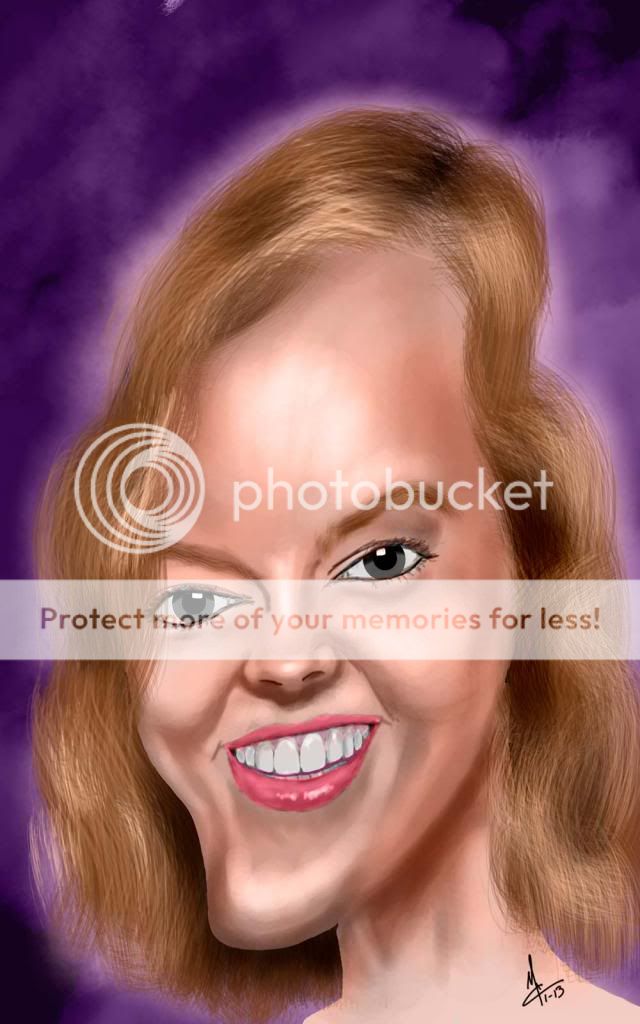
Another coworker caricature. This one was with very little in the way of a line drawing. Usually my sketch or line drawings are pretty detailed and fully fleshed out. But with this one it was a very rough sketch that I thought looked enough like her that I could continue on. And I this one was practically done in one day, even stuck to it and did the hair (my arch nemesis) right after the face and in one sitting. Yay me!


Tuesday, May 20, 2014
Catching up with posts
I didn't realize I had so many that I hadn't posted. Just finished Tully yesterday, tried a tutorial for drawing hair. It started out okay then it started looking bad, so I erased it all and started again. Still didn't feel like it was going the way I wanted but I stayed with it and improvised here and there. I think it works well enough.
 |
| Tully |
 |
| Adam: Commission Had a fund raiser for my daughters school and put it in the company's mail room with a sign stating anyone donating $20 or more would get a caricature by me. This one is kind of different from the others in my gallery this one started in color instead of the gray values. I had the initial sketch done but wanted to see if I could get it done over the weekend. |
 |
| Dave & Dad: Commission A friend at work who lost his dad about a year ago asked if I would draw a portrait of his dad and him, said he didn't have very many pictures of him and less that any better that this. As I'm posting this I remember he owes me lunch at a Sushi shop. |
 |
| Kap & Brooke: Commission Co-worker and his fiancé. Final was printed on canvas and given to her for Christmas. |
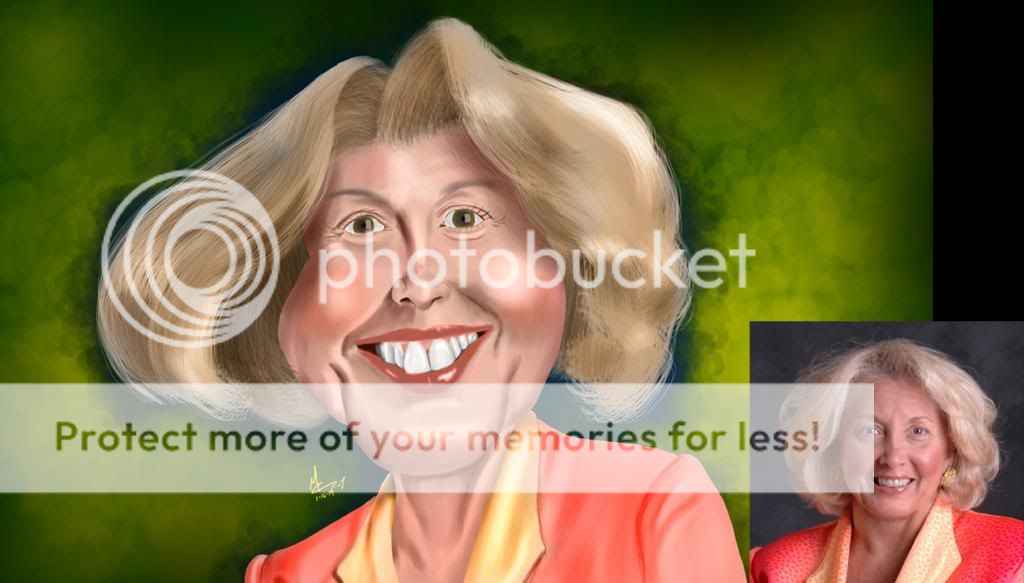 |
| Debbie I knew this day would come, when I would have to do a caricature of the Commander and Chief. The CEO of our agency has been feeling under-the-weather and we planned to send her a "cheer me up" each week, with a caricature pasted on white board allowing for well wishes to be penned all around. |
 |
| Charlene: Commission Had a fund raiser for my daughters school and put it in the company's mail room with a sign stating anyone donating $20 or more would get a caricature by me. Charlene missed the opportunity but I told her I'd draw it anyway and throw her 20 in the next fund raiser my daughter has. |
Sunday, October 27, 2013
A Request, A Vanisher, and A Possible Do-over
Here are three more caricatures. Rico's was kind of a request. When he saw Chandra's, he asked what was my process of selecting a subject and I told him that I was just going down the list of employee photos and kind of picking at random. He replied "I can't wait to see what mine is going to look like." So I just accepted that as a request and did some sketches to see if I could get something I liked. The first sketches looked like Simon Bar Sinister from the old Underdog cartoons.
I finished Chris' caricature over the weekend and when I came in Monday, I found out that Friday was his last day. But one of the other guys at work delivered a print out of the caricature to him.
Davids caricature didn't quite come out like I was seeing it in my mind, I may redo this one, I was going for a "Cro-Magnon" look.
Sketchbook Pro, Photoshop, Cintiq 12wx
I finished Chris' caricature over the weekend and when I came in Monday, I found out that Friday was his last day. But one of the other guys at work delivered a print out of the caricature to him.
Davids caricature didn't quite come out like I was seeing it in my mind, I may redo this one, I was going for a "Cro-Magnon" look.
Sketchbook Pro, Photoshop, Cintiq 12wx
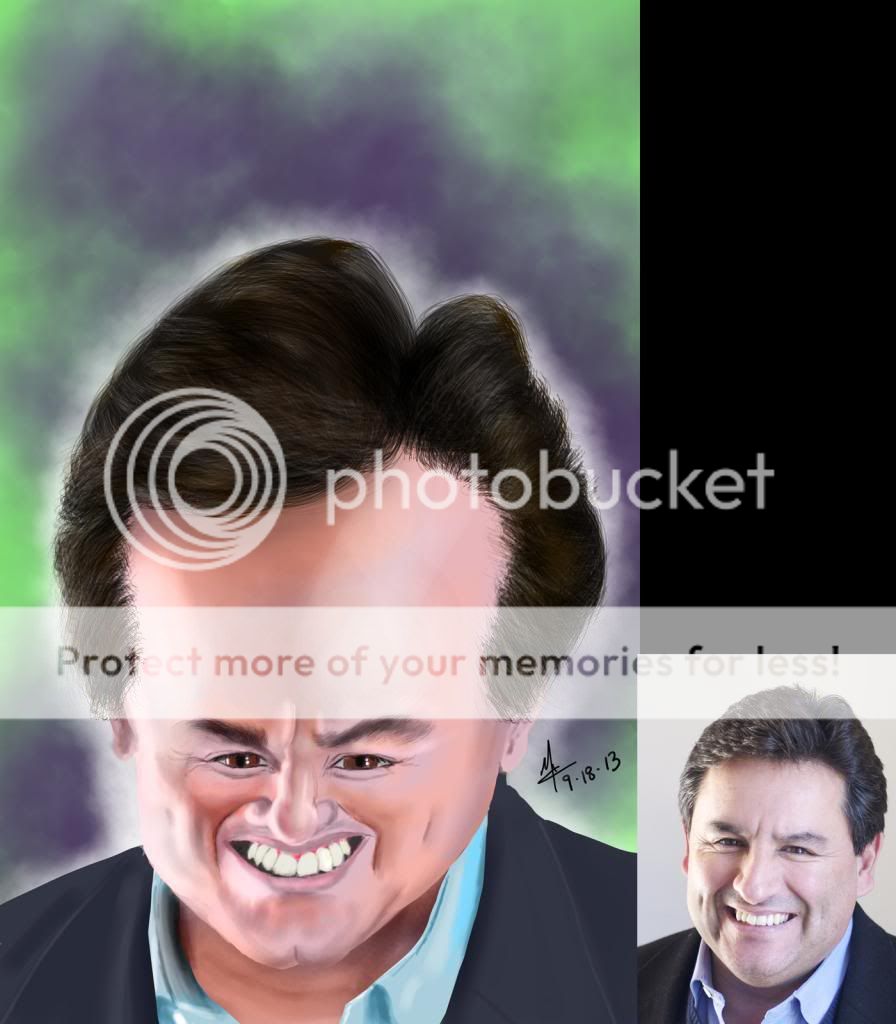 |
| Rico |
 |
| Chris |
 |
| David |
Quick Good-bye's
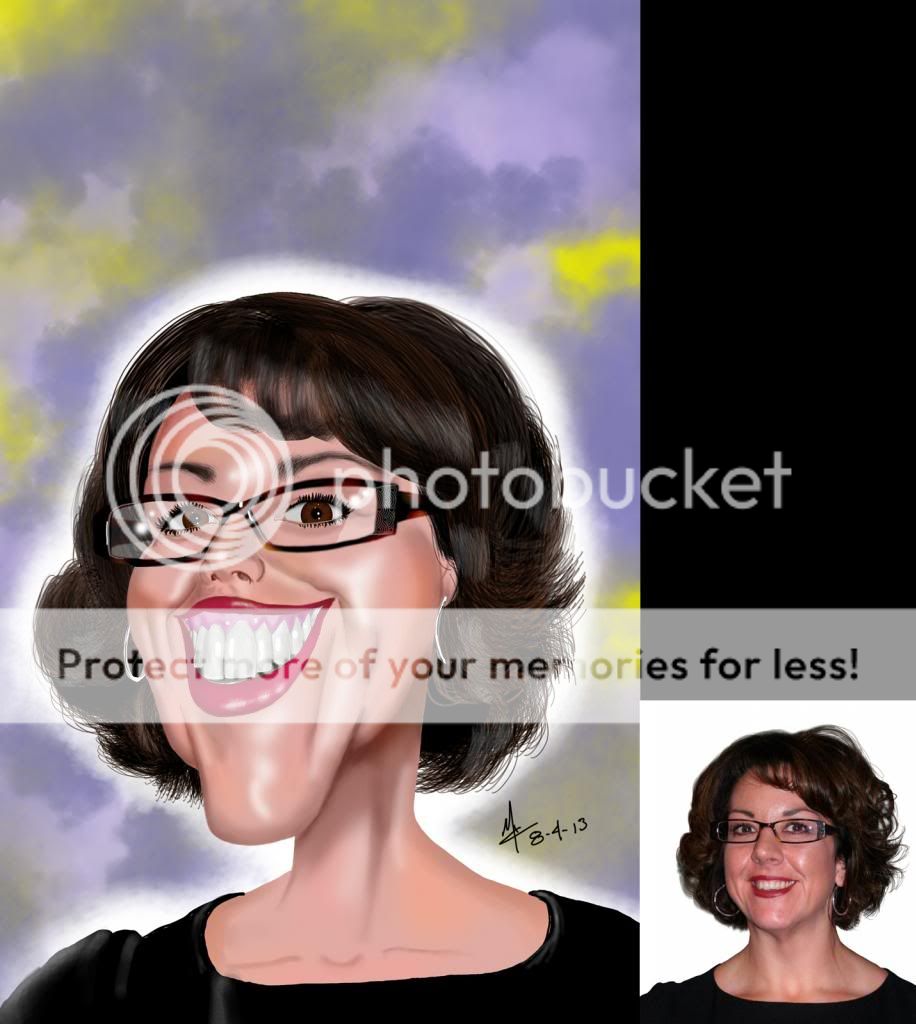
I got wind that a co-worker was leaving, a fellow boomerang (those that have left and come back), so I tried to finish her caricature before her last day but they didn't announce her leaving until the tail end of her two weeks notice. I did get it about 85-90% complete, so once I did complete it I printed and mounted it on a white board and sent it around the office so folks could sign it. Then we framed it and sent it to her. Turned out pretty nice.
Sketchbook Pro, Photoshop, Cintiq 12wx

Sketchbook Pro, Photoshop, Cintiq 12wx
Thursday, January 10, 2013
3 New coworkers and a spouse
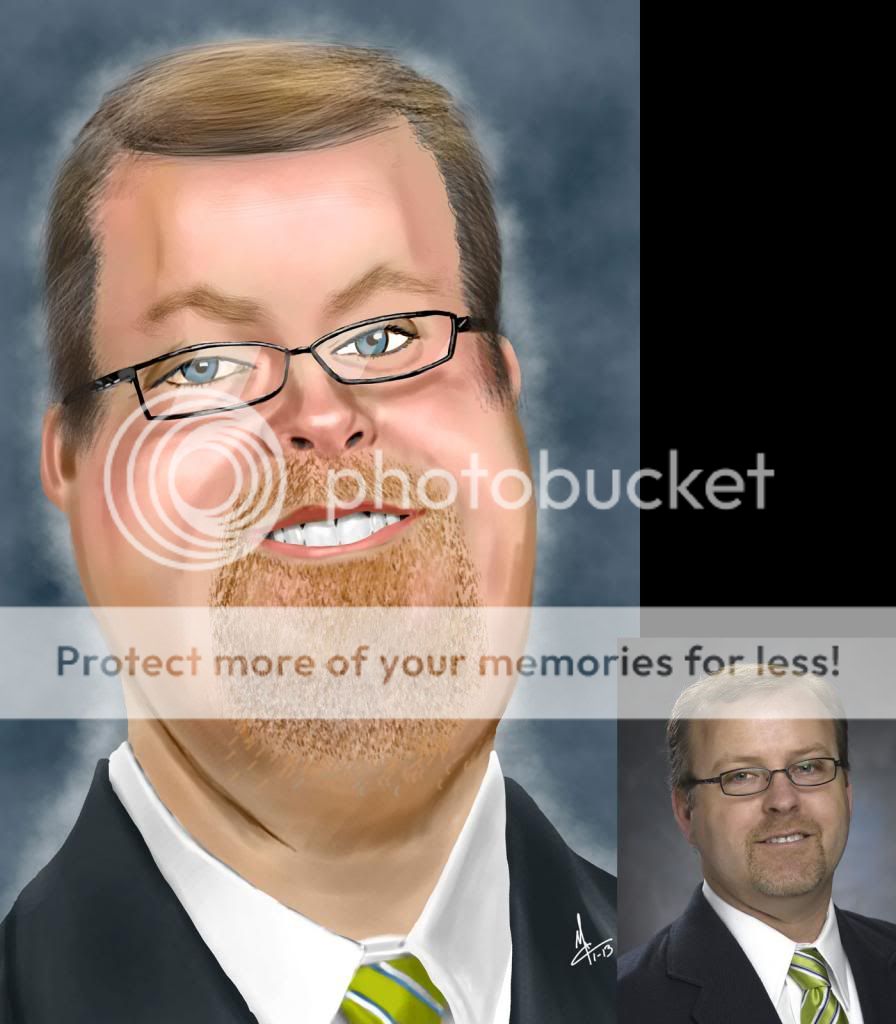
Three more (4 if we're counting spouses) coworkers drawn. Kate wins for the fastest one yet (1h 45m). It was also the first one that I didn't try to exaggerate a feature, I just made an odd shape and put the face into it. I think as long as you can get the eyes right the rest kind of falls into place. That was the thinking with the Leah painting also, I debated wether I went too far with the mouth and teeth, that it wasn't looking like her but I think the eyes helped bring it all home.

I did value paintings first for all three then added color afterwards.
All three started in Autodesks Sketchbook Pro and painted in Photoshop on a Wacom Cintiq 12W.
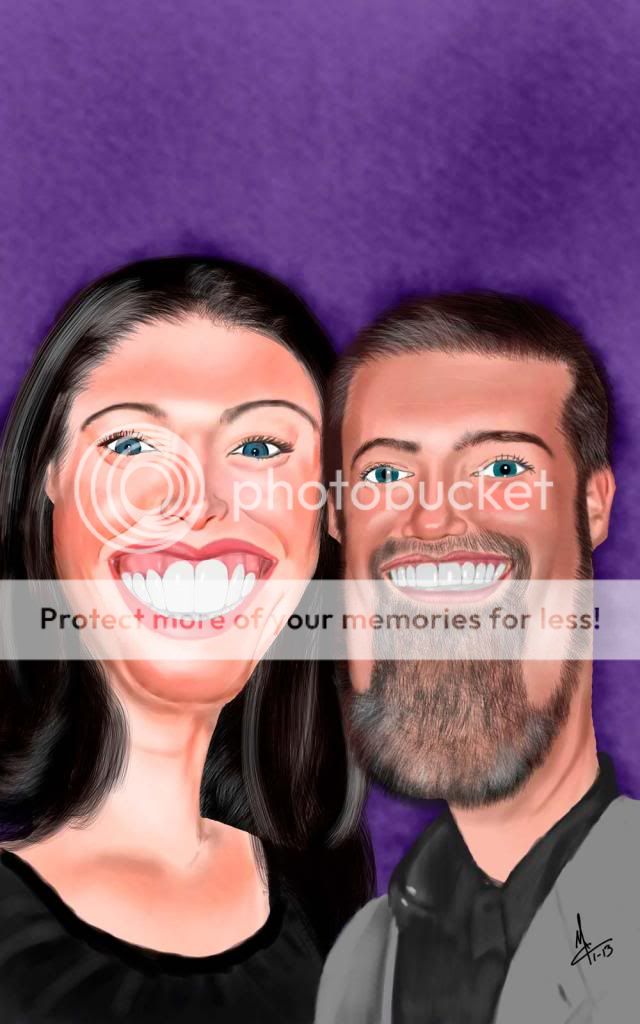 |
| Leah & Ashley |
 |
| Kate |
Thursday, November 8, 2012
3 Co-workers
Did a caracature of three co workers averaged about 4-5 hours per portrait. That was great for me. The Brian painting probably took the longest, when I did his initial sketch I could settle on a distorted face shape that I liked. I sketched about 9 variations. Finished the Carrie first, then Brian and Steve's I did this past Saturday. Kept getting side-tracked playing a video game called Dragon Age (been consumed by that game.) Stumbled across a sale on Amazon Dragon Age: Origins, Dragon Age: Awakening and Dragon Age II for $10 (download only.) Also had two weeks of Jury Duty, got called as a potential once but never picked.


I didn't want to post any until I had at least three portraits done, got a few other co-workers to do, will post them as I get them done. Going to try and get a couple done this weekend (another extended weekend for me as I've got Friday off, using the rest of my vacation days before I the end of the year and I loose them.
Initial sketch done in Autodesk's Sketchbook Pro, painting done in Adobe Photoshop, using a Wacom Cintiq 12W.


Saturday, July 21, 2012
Barry Manilow
Going to see Barry Manilow in concert, thought I'd try and get another entry into my "Celebrity Book". Didn't really plan on it but my boss has season passes or something for the concert hall and word got to her that I'm a Barry Manilow fanatic (not really, I like his music but I'm not an über-fan the way word gets around that I am, but I just go with it.)
The hair was tough on this one, I still don't like it but I can live with it. This one was done as a grayscale value painting first then color added to it when it was done.
The plan is to print it out the size of the book and add it to one of the pages, print another one and frame it (to give as a gift.) Then take both with a small vase of flowers, deliver them to the venue with a note telling him to keep the framed one and sign the one in the book and have someone take the book to the coat check room so I may retrieve it after the show. (Basically the same thing I did when I got Jay Leno's autograph. I would just send him the framed one and the other one not in the book but I it helps when they can see that I've got other celebrity autographs.
Sketchbook Pro, Photoshop and Cintiq 12W

The hair was tough on this one, I still don't like it but I can live with it. This one was done as a grayscale value painting first then color added to it when it was done.
The plan is to print it out the size of the book and add it to one of the pages, print another one and frame it (to give as a gift.) Then take both with a small vase of flowers, deliver them to the venue with a note telling him to keep the framed one and sign the one in the book and have someone take the book to the coat check room so I may retrieve it after the show. (Basically the same thing I did when I got Jay Leno's autograph. I would just send him the framed one and the other one not in the book but I it helps when they can see that I've got other celebrity autographs.
Sketchbook Pro, Photoshop and Cintiq 12W

Sunday, May 27, 2012
Retro Awesomeness
Feeling kinda nostalgic, had Jim Kelly on my mind. Loved him in Enter The Dragon "Ghettos are the same all over the world… they Stink!", Tattoo Connection, Hot Potato, Black Belt Jones. Hardest Part was the afro, can't just draw a circle gotta get the shape right. Wanted to give it a kind of retro background, did the one with his name in purple first then thought if this was done back in the day they would definitely work into it the African flag colors. I like the first one better, keeps the background in the background, flag colors are a bit too strong for my taste.
Sketchbook Pro, Photoshop, on Cintiq 12W


Sketchbook Pro, Photoshop, on Cintiq 12W


Sunday, February 5, 2012
Fastest one yet
Started this one Saturday (2-4-12) about 8pm while watching COPS and continued til about 1:30 am then finished it the next morning. Total time, about 8 hours. Traced the faced for the line art portion (always feel like I'm cheating when I do that, but I'm confident in my drawing skills, wanted to focus on painting technique.
Used a method that is close to the way I did portraits with Prismacolor pencils. Read a tutorial were the author was all about using a brush (regular round, solid brush) and the eyedropper tool (when blending) instead of "Smudging" or "Blurring". I set my brushes "flow" to 100 select my base color or value and create the shape of the face and neck, then turn the flow down to 1 and start adding shades. Sampling from what you've already colored (instead of snagging another color from the swatch) helps to make the blends smoother.
I did the last portrait "EmmaPeel_Redo" this way. Gotta say I'm diggin it, but with the two of these I did straight color, I didn't do a value painting first then add color... probably should have. Not 100% happy with the hair, that's something I need to just keep practicing on.
Used a method that is close to the way I did portraits with Prismacolor pencils. Read a tutorial were the author was all about using a brush (regular round, solid brush) and the eyedropper tool (when blending) instead of "Smudging" or "Blurring". I set my brushes "flow" to 100 select my base color or value and create the shape of the face and neck, then turn the flow down to 1 and start adding shades. Sampling from what you've already colored (instead of snagging another color from the swatch) helps to make the blends smoother.
I did the last portrait "EmmaPeel_Redo" this way. Gotta say I'm diggin it, but with the two of these I did straight color, I didn't do a value painting first then add color... probably should have. Not 100% happy with the hair, that's something I need to just keep practicing on.
 |
| Thu |
Tuesday, December 27, 2011
Emma Revisited
Had an urge to redo one of my first digital paintings, the Immaculate Mrs Peel. Thought I'd see how it looked with the accumulated knowledge I've gotten doing these since then (August 2008.)
 |
| New painting. |
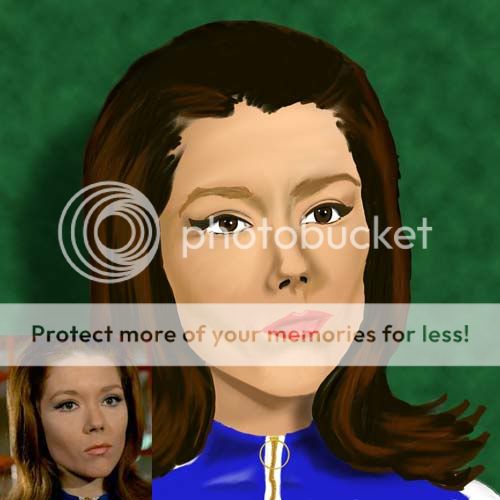 |
| Here's the original with source picture. |
Sunday, August 21, 2011
Aunt Barb Finished
Finished, colored to the best of my ability with the resources available. Tried to add subtle color shifts in the skin tone, like slight blue reflections on the cheek and neck area that would come from the jacket; a touch of gold from the necklace. I see other artists (that know what they're doing) select a background color first and that or those colors influence the hues of the skin tone. I'm still trying to wrap my head around painting like that, looking for tutorials that show and explain how and why.


Sunday, August 7, 2011
Aunt Barb WIP
A friend (one that I can physically see and talk to… ooh Facebook-jab!) ask me if I could put together photographic collage of her deceased mother and deceased aunt. I agreed to but when she gave me the photos her aunts photo was a photoCOPY of a photocopy (and probably one more generation photocopied.) I told her I needed the original photo. Then she brought me a 5x7 but it was just a photo print she had made from the photocopy : (
I tried again to explain to her that putting her mothers photograph (which was a studio taken shot) next to this photocopy is not going to look good. She told me that that was all she had of her aunt "dressed nice". So at the start of a vacation week I remembered that my uncle kind of had the same situation many years ago with a bad photo of his dad (grandpa on my mothers side) so he got someone to paint a portrait in which the artist used my uncles face to fill in the unclear areas of the photo (like the eyes). So I thought maybe I could do the same.
 |
| Aunt Barb WIP |
 |
| Aunt Barb Process |
LouisDog
Think I'm learning with caricatures to try a variety of different sketches. Instead of trying to nail it on the first try, I'll just make my own distortion and try to make the face fit. I've been kind of following this other artists blog. Seems like that's what he does. This one took about three sketches before I found something that I thought was good.
A friend from work. Started it in color but colors were looking kinda funky so I scrapped it and started again in gray. Still need some tweeks, not sure if I'm gonna put a pattern in the shirt or not.

A friend from work. Started it in color but colors were looking kinda funky so I scrapped it and started again in gray. Still need some tweeks, not sure if I'm gonna put a pattern in the shirt or not.

Monday, January 24, 2011
The Infamous Mr. Hahn
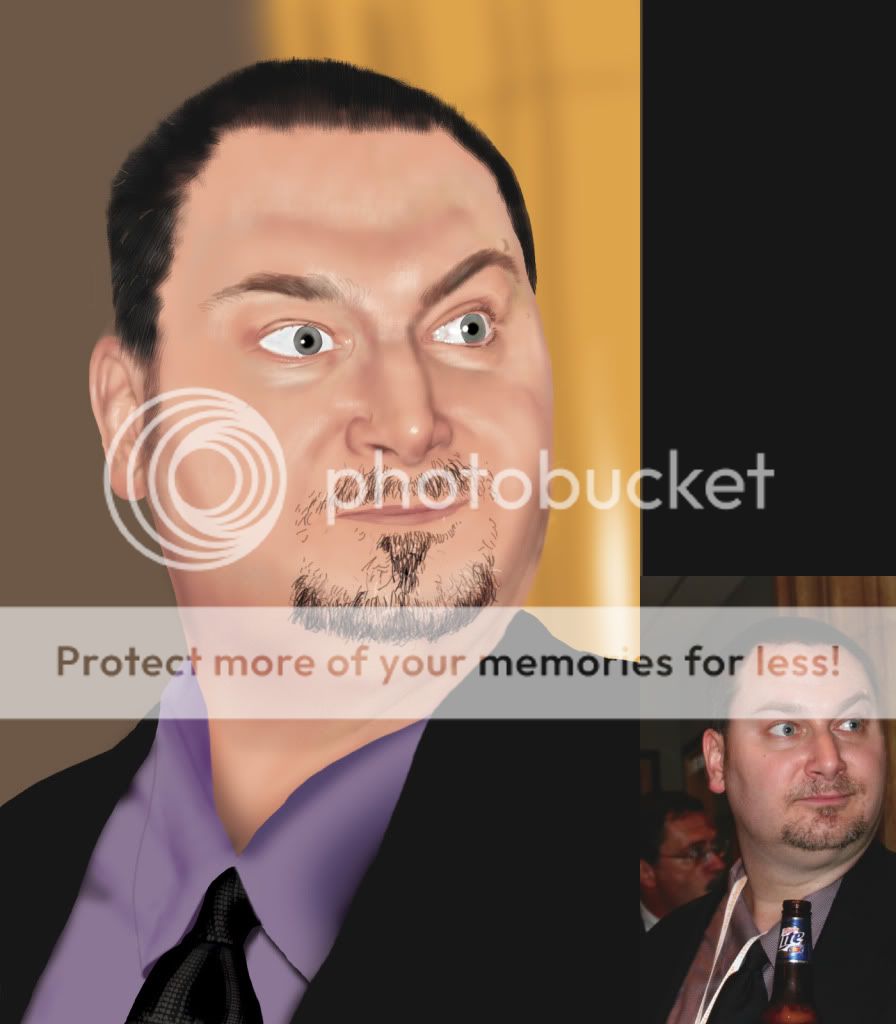
This one was a trace. Instead of starting the drawing freehand, I used the photo as a template and traced over it then painted. Don't like doing it that way kinda feels like a cheat, but was looking at PapaNinja's stuff and wanted to try some things with skin tones.

Sunday, November 28, 2010
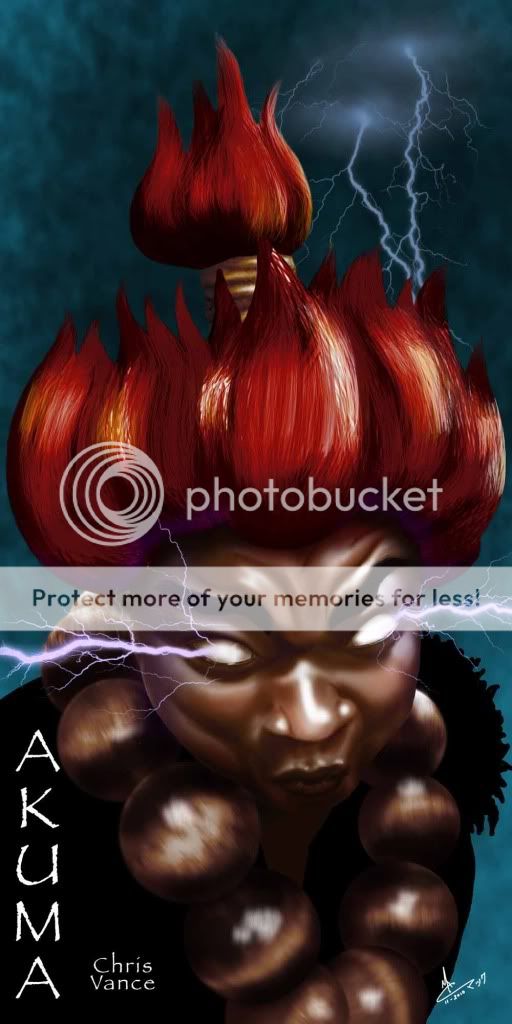
Akuma Finished
Here's the colored version, not too shabby! After colorizing the face I took a copy of the (B&W) face layer and duplicated it, laid it over top of the colored face and played with the multiplied opacity, to try and get some darker shadows in the face. I probably could have gone a little more. Always dread doing the hair, but I'm not too unhappy with this one. Would've added more purple highlights from the lightning but was afraid that with the red hair and all he'd start looking a little clownish.
Photoshop and Cintiq graphics tablet

Photoshop and Cintiq graphics tablet
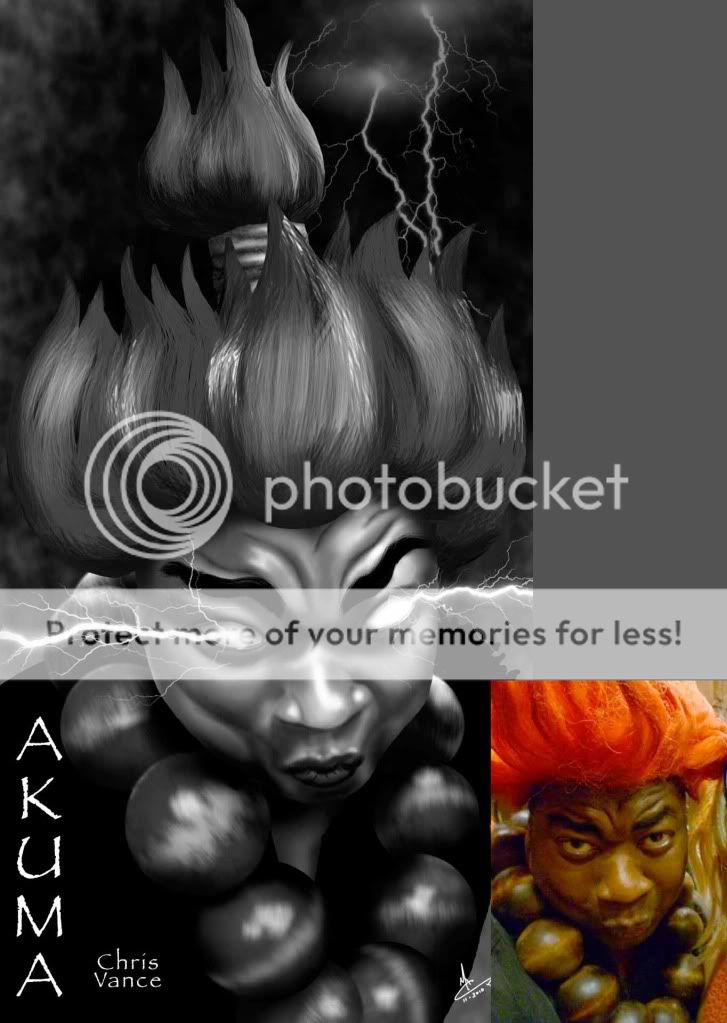
Akuma Gray
Here is the finished B&W of Akuma, and another slightly revised (removed pupils and added lightning fx). I'm pretty happy with it. The big fear is whether the color version will look as strong.
Cintiq and Photoshop


Cintiq and Photoshop

Tuesday, November 16, 2010
Akuma WIP continued
Little further progression. Going back to doing it in gray first. The drawing "First day of school" I started and finished in color and there are some spots were the I picked up the wrong color.


Akuma Cosplay Work In Progress
WIP of a friend dressed as Akuma from Street Fighter. Thought I'd put some pressure on myself by putting up a WIP and see if I can get'er done over the weekend.


Monday, November 1, 2010
First Day of School-Finished
Finished drawing of First day of school. Actually warped the face a bit from the WIP version. Made the chin smaller, and the face thinner. Learned some things with the hair, it's in about 10 layers, broken into sections "Back", "Front", and "Side." Laid down the base brown, then a yellow, and another brown on top of the yellow. Then I did highlight streaks, but it started looking like she had gray hair so I laid down some black streaks which really helped it a lot (IMO). Think if I were a little more patient with it that hair would've rocked.
Photoshop, Cintiq tablet

Photoshop, Cintiq tablet

Subscribe to:
Posts (Atom)


 Posts
Posts

